Workflows, not click trails
An analysis is a workflow you can read, re-run, and compare — compose steps, review the plan, run it. Every step that touches data writes a typed receipt.
Desktop GIS · Rust · In development
ageomaps is a local-first desktop GIS built in Rust, on one idea: an analysis should be a workflow you can read, re-run, and compare — not a pile of one-off clicks. Ingest data, review the plan, run it, and export reviewable outputs.
In active development — no public release yet. Open formats in, open formats out.
Capabilities
The core loop — import → workflow → review/export — runs end to end, with tests behind every promoted surface.
An analysis is a workflow you can read, re-run, and compare — compose steps, review the plan, run it. Every step that touches data writes a typed receipt.
GEOS handles vector topology: buffer, clip, dissolve, overlay, spatial joins. GDAL-backed paths handle raster and terrain — slope, aspect, hillshade, viewshed, zonal statistics.
Sessions checkpoint automatically. Named saves, branches, and side-by-side comparison let you try an edit, walk back, and explain the difference between two runs.
A Qt shell over MapLibre Native, joined to the Rust core by a project-owned C++ bridge. Offline Natural Earth basemaps ship with the app.
Export is not a screenshot. The export path builds PDF, PNG, SVG, and native Qt map outputs with methodology and stale-input review attached.
Projects, data, and edits live on your machine. Natural-language planning compiles into the same reviewable workflow IR — opt-in and gated, never a black box.
The route
A straight line — four stops from import to export.
Import GeoJSON, GeoParquet, or read-only FileGDB — validated on the way in, with connector flows in beta.
Compose buffer, clip, join, dissolve, and terrain steps, then review the plan before anything runs.
Every run writes typed receipts. Checkpoints and branches make two runs comparable side by side.
Build PDF, PNG, SVG, or native map outputs with the methodology attached.
In the app
A Qt shell over a MapLibre canvas — import, workflow, review, and export in one window.
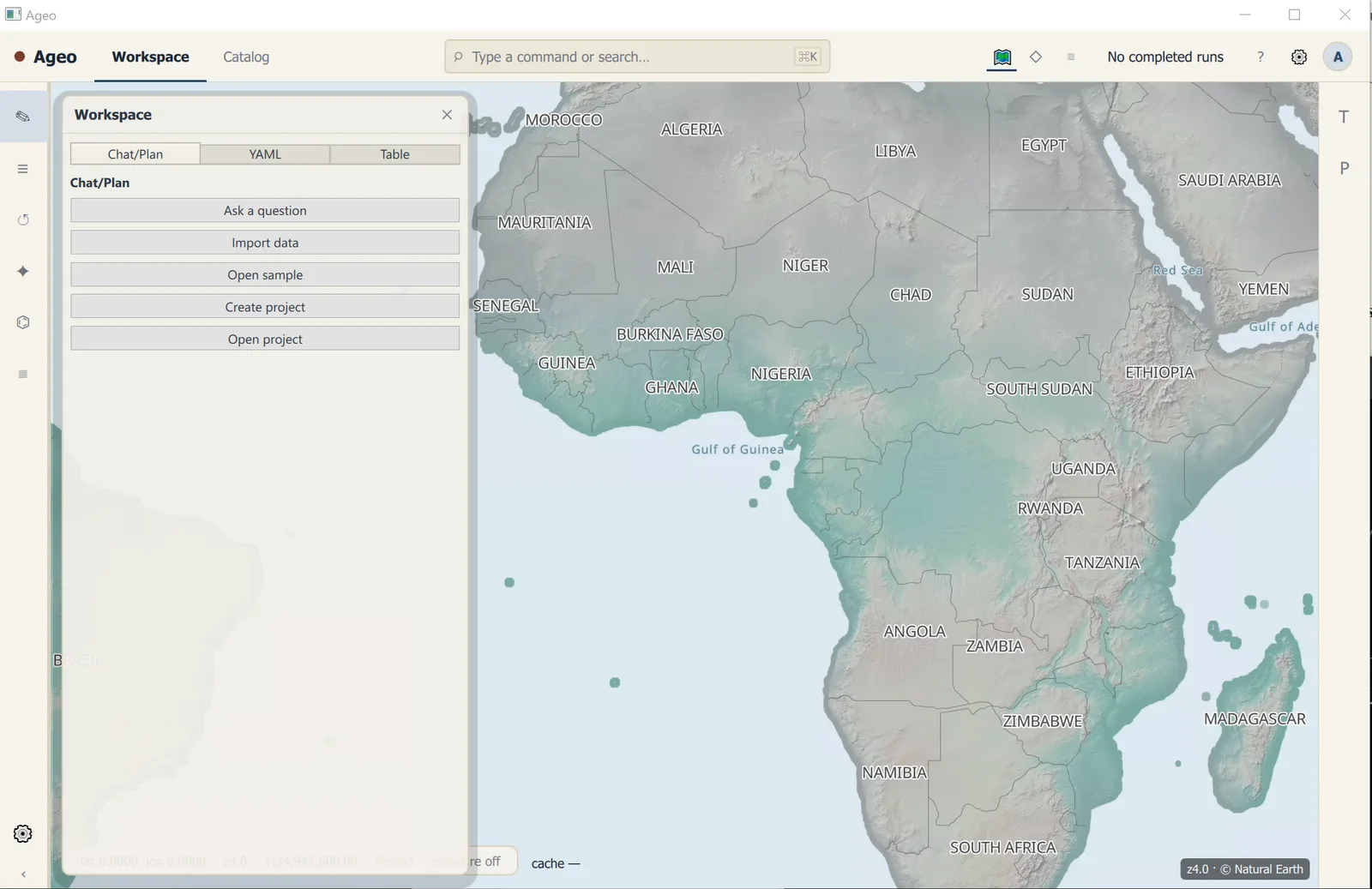
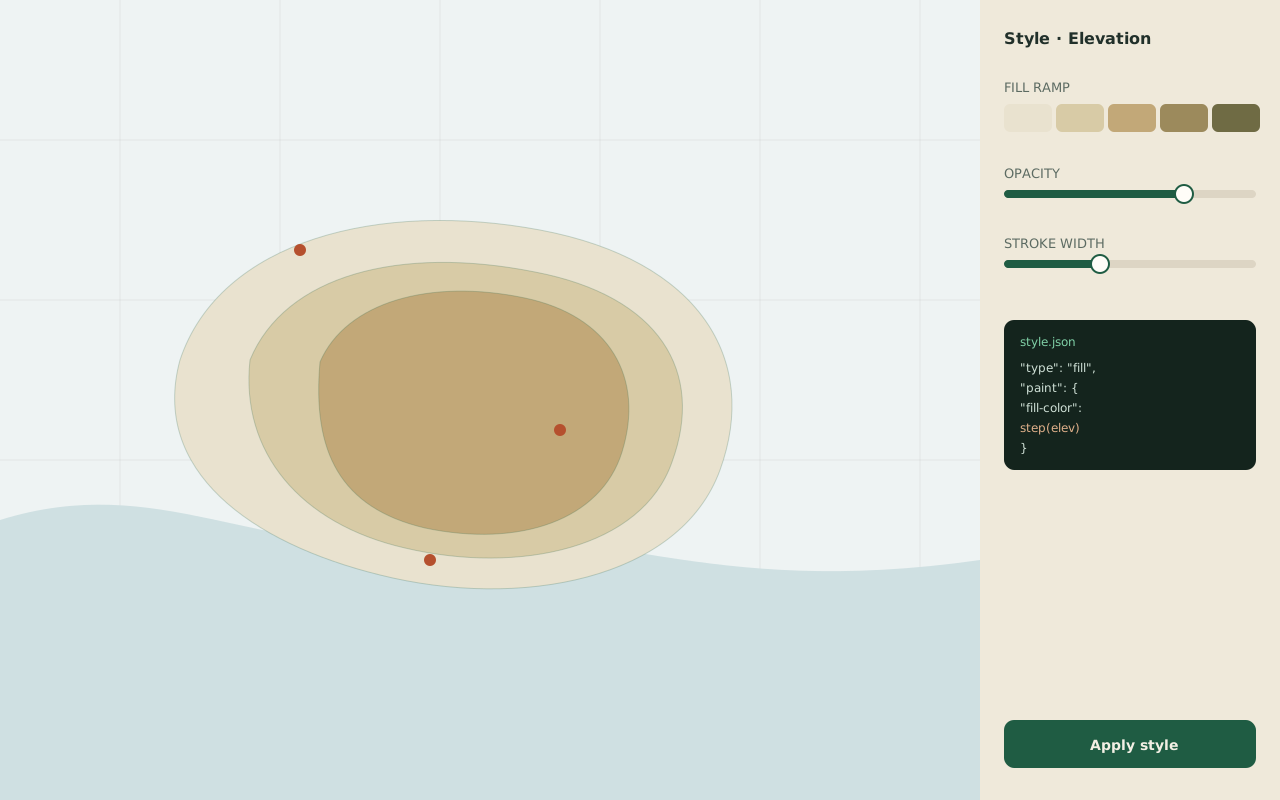
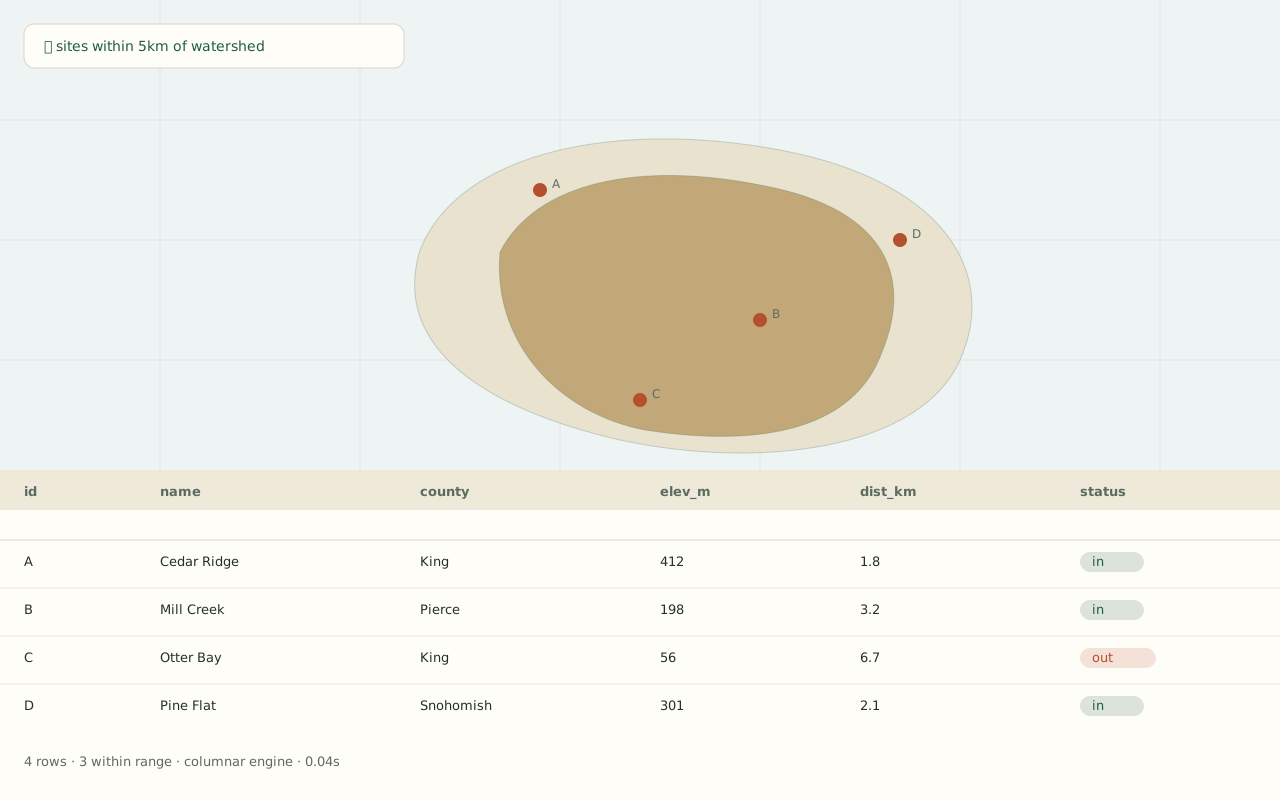
The workspace capture is the real app; the two panels below it are design mock-ups.
Your data, your boundary
Everything is validated on the way in, and live refresh is opt-in. Connections stay explicit: the app tells you what it read, when, and from where — that's what the typed receipts are for.
Where it stands
The core import → workflow → review/export loop works today. What's left before a release is promotion and polish: broader CRS support, advanced table operations, richer export formats, and moving the gated connector and natural-language paths into a default build.
A solo project by Griffin Hale — architecture, native bridge, and validation.